Custom Metrics You Need in Facebook Ads

Get the metrics you need (regardless of whether Facebook Ads Manager provides them to you) with custom metrics.

To make your own dashboard and metrics in Facebook Ads Manager:

  • Click “Customize Columns”

Here, choose “Create Custom Metric” at the very top of the next screen to create the metrics that are most important to you.

Below are the ones we see used most and the formulas you’ll need to create them.
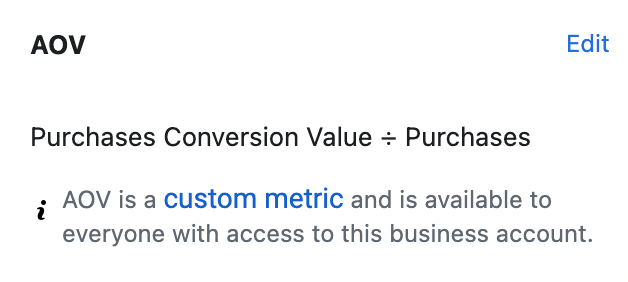
Meta Ads Manager custom metric definition for AOV calculated as Purchases Conversion Value divided by Purchases for the business account.
Meta Ads Manager custom metric definition for ATC to PUR rate calculated as Purchases divided by Adds to Cart for the business account.
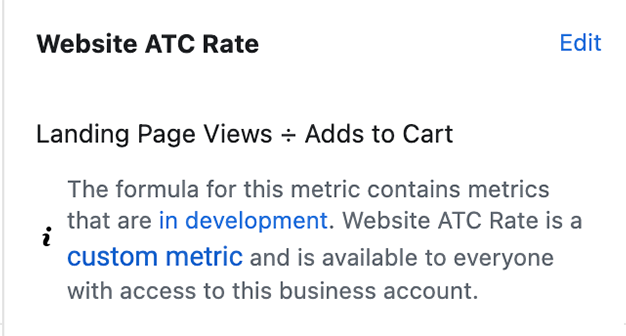
Meta Ads Manager custom metric definition for Website ATC Rate calculated as Landing Page Views divided by Adds to Cart, marked in development.
Meta Ads Manager custom metric for See More Rate calculated by subtracting engagement actions from total clicks then dividing by impressions.
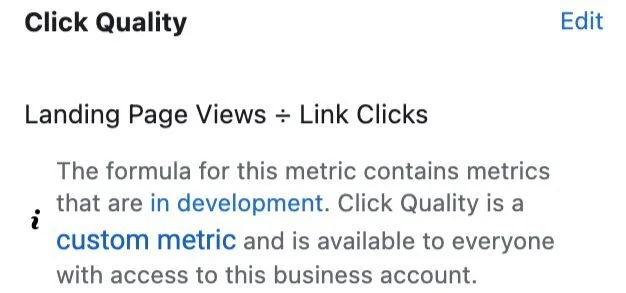
Meta Ads Manager custom metric for Click Quality calculated as Landing Page Views divided by Link Clicks, noted as in development status.
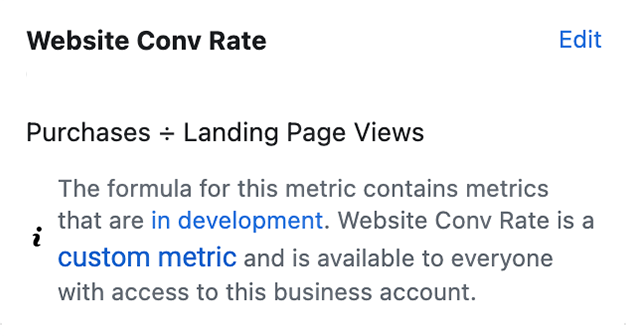
Meta Ads Manager custom metric definition for Website Conv Rate calculated as Purchases divided by Landing Page Views, marked in development.
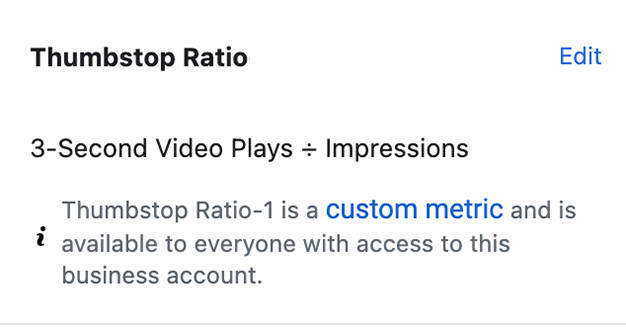
Meta Ads Manager custom metric for Thumbstop Ratio calculated as 3-Second Video Plays divided by Impressions for the business account.
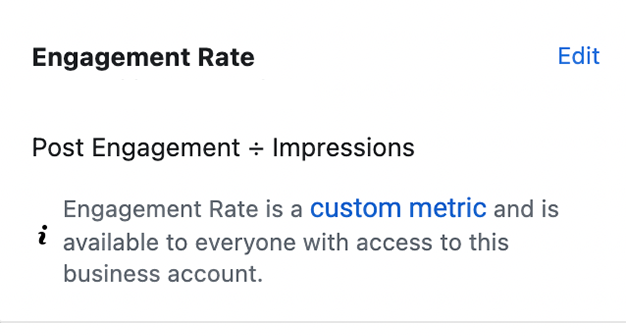
Meta Ads Manager custom metric definition for Engagement Rate calculated as Post Engagement divided by Impressions for the business account.
Previous
Previous

Recent Insights from Foxwell Digital Audits

Next
Next

Facebook Ads Budgeting During BFCM